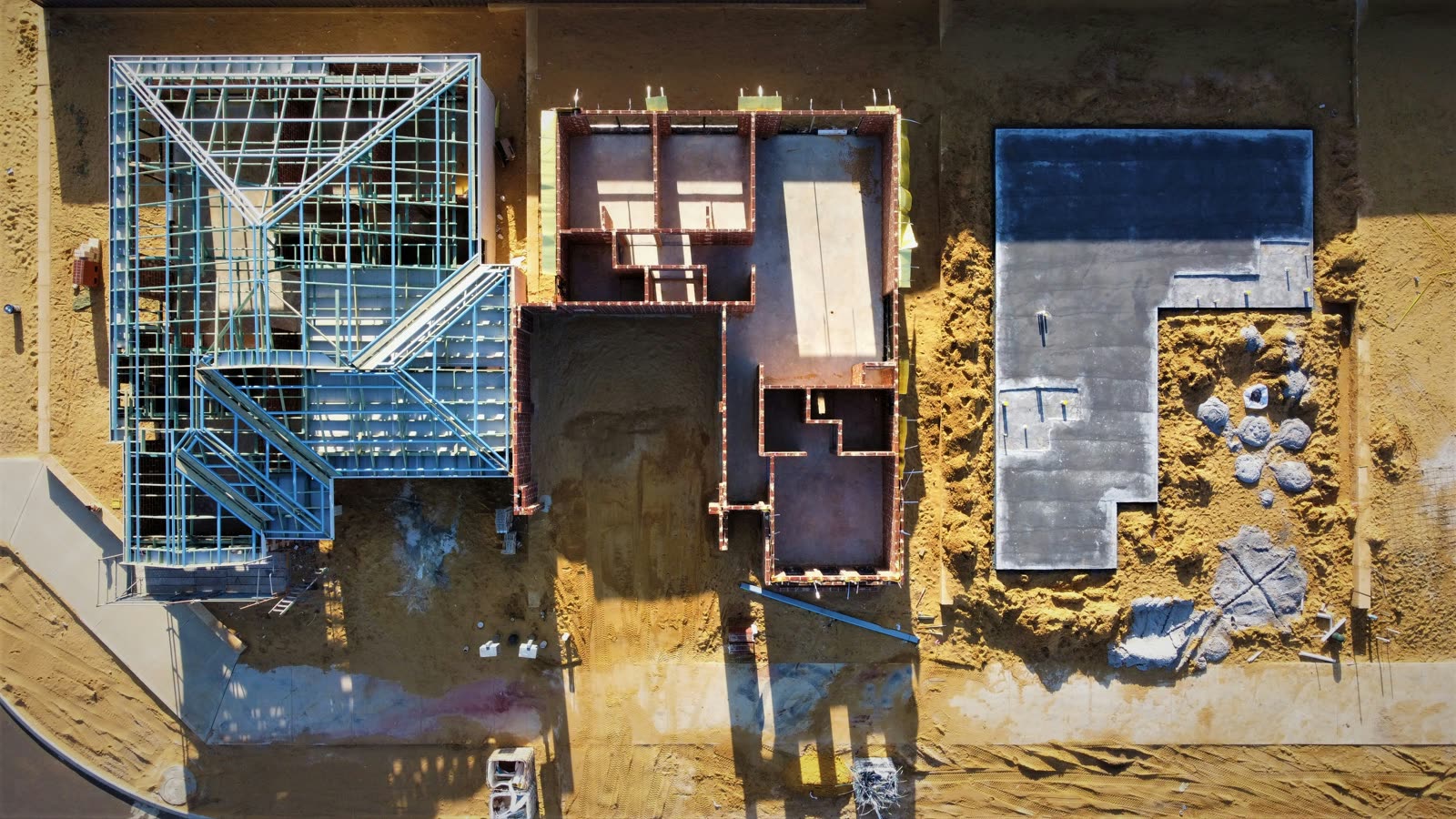
This is where the Ceezaer platform is headed: every flight updating a living 3D twin of your site. Digital twins are in development — today, the platform already delivers AI progress comparison, change detection between flights, and automated reports. Join the waitlist to get early access.
Systematic aerial photography with overlapping coverage captures every inch of your site in detail.
AI processes overlapping images into accurate 3D point clouds, meshes, and orthomosaic maps.
Progress detection, anomaly identification, and BIM comparison layers are applied automatically.
Each capture adds a new frame to your site's progress timeline — a complete visual history from day one.
Geo-accurate 2D maps of your entire site — measurable, overlayable with plans, and shareable with your team.
Full 3D representations of site conditions for volume calculations, clash detection, and as-built documentation.
Digital elevation and terrain models for cut/fill analysis, drainage planning, and grading verification.
Compare your drone-captured as-built data against your BIM model to identify deviations automatically.
A complete visual history of your project — swipe between any two dates to see exactly what changed.
AI-calculated stockpile volumes, cut/fill quantities, and material movement tracking from aerial data.