Written by Ceezaer Drone Services
Official publication of ceezaer.com — Veteran-Owned · FAA Part 107 · Round Rock, TX
Official publication of ceezaer.com — Veteran-Owned · FAA Part 107 · Round Rock, TX
Most construction teams capture drone imagery, then let it sit in a folder nobody opens. The value only appears when that data flows into the software your project managers already use every day. This guide shows how drone deliverables connect to Procore, Autodesk, and other platforms, what formats actually work, and what Central Texas teams should expect.
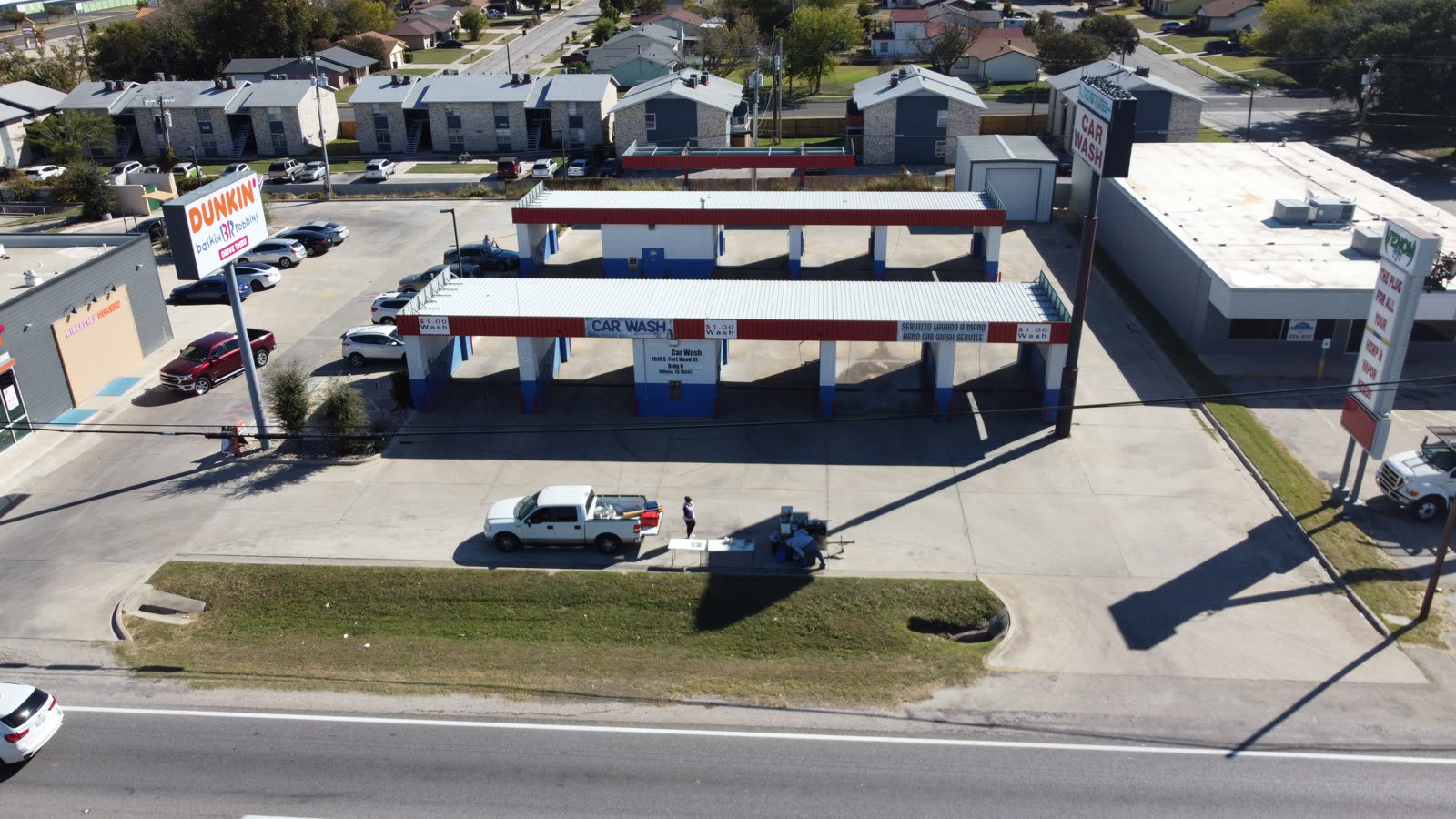
A drone flight is only useful if the people making decisions can see the results inside the tools they already live in. That is the entire case for integration.
Construction teams across the Austin metro have adopted drones faster than almost any other technology in the last five years. The flights are easy. The problem shows up afterward: a superintendent gets a link to a 2 GB folder of JPEGs, a project engineer gets an orthomosaic in a format nothing opens, and the owner gets a slide deck a week too late to matter. The data exists, but it never reaches the decision.
Procore sits at the center of most commercial projects in Central Texas because it already holds the schedule, the RFIs, the submittals, the daily logs, and the budget. If drone data integration with Procore is done correctly, a progress orthomosaic becomes a dated record attached to the daily log, a flagged defect becomes an observation with a location, and a volume calculation becomes a documented quantity tied to a pay application. The flight stops being a novelty and becomes part of the project record.
The alternative is what most teams do now: capture valuable aerial data and strand it in a silo. The gap between capture and decision is where the money leaks out.
Integration depends entirely on format. Knowing what you are receiving tells you where it can go.
Raw drone imagery is not integration-ready. It has to be processed into deliverables, and each deliverable connects to construction software differently. Understanding the outputs is the first step.
A single, geometrically corrected top-down image of the whole site, stitched from hundreds of photos. Delivered as GeoTIFF for GIS and survey tools, or as a web tile layer for viewers. This is the core progress deliverable most teams overlay on their site plan.
Millions of 3D points describing site geometry, exported as LAS, LAZ, or RCP. These feed into Autodesk Recap, Navisworks, and BIM coordination workflows for clash detection and as-built comparison.
DSM and DTM raster files used for earthwork volumes, drainage analysis, and cut-fill verification against design surfaces.
Geotagged photos, PDF progress reports, and flagged observations. These are the formats that attach most cleanly to a Procore daily log, observation, or document folder.
If you want more detail on these outputs, our breakdown of drone deliverables covers each format and when to request it. The short version: match the deliverable to the destination. A survey team wants a GeoTIFF and a point cloud. A project manager wants an observation in Procore. Asking for the wrong format is the most common reason integration stalls.
There is no single button. Integration happens through several practical pathways, and most teams use more than one.
The simplest path. Processed orthomosaics, PDF reports, and geotagged photos are uploaded to the Procore Documents tool or attached to a daily log. No special integration required, works on every project, and gives you a dated, searchable record. The limitation is that large files load slowly and the imagery is not interactive.
Platforms such as DroneDeploy, Propeller, and Reconstruct publish integrations in the Procore App Marketplace. Once connected, a 2D map or 3D model syncs into a Procore project so team members open the latest flight without leaving the platform. This is the closest thing to true two-way integration for most contractors.
When a flight catches a defect, a drainage issue, or a safety hazard, that finding can be logged as a Procore Observation with a location, a photo, and an assignee. This turns aerial inspection into tracked, accountable action rather than a note in an email.
Point clouds and meshes move into Autodesk Construction Cloud, Navisworks, or Revit for as-built versus design comparison. This is where drone data supports clash detection and verifies that what was built matches the model. See our guide on BIM and drone integration for the full workflow.
Larger developers and GCs with internal data teams pull deliverables through APIs into custom dashboards or a project data warehouse. This supports portfolio-level reporting across many sites, something monthly manual reporting cannot match.
Most Central Texas projects start at step one and grow into steps two and three as the team sees value. You do not need a custom API on day one. You need a dated orthomosaic that everyone can find.
The point of drone data integration with Procore is not tidiness. It is faster, better-documented decisions.
When aerial data lives inside the construction management platform, a few specific things change on the ground.
The ROI is cumulative. One avoided rework event or one settled quantity dispute often covers a full season of flights. We walk through the numbers in detail in our analysis of drone construction monitoring ROI.
The teams that get the most from integration decide the workflow before the first flight, not after.
A workflow that survives contact with a busy jobsite has a few non-negotiables. First, agree on flight cadence up front. Weekly or biweekly captures create a usable progression; a one-off flight does not. Second, use ground control points so every orthomosaic aligns with the last one and with your site plan. Without survey control, overlays drift and measurements wander. Third, define who receives what and where it lands in Procore. If nobody owns the upload, the data silos itself again.
Fourth, set accuracy expectations in writing. A GCP-controlled survey map holds roughly 2 to 3 cm horizontal accuracy, which supports earthwork and layout verification. A quick visual progress flight does not need that precision and costs less. Matching accuracy to purpose keeps budgets honest.
Ceezaer builds these workflows for Austin-area contractors and developers with a 48-hour turnaround from flight to processed deliverable, and our AI-powered reporting flags progress deltas and anomalies before the files ever reach your project team. Because we are FAA Part 107 certified and carry $1.5M in insurance, the capture side meets the compliance requirements most owners and GCs now write into their contracts. The deliverables are formatted to drop straight into Procore, Autodesk, or whatever platform your project standardizes on.
The goal is simple: every flight should end inside the software where decisions get made, not in a folder nobody opens.
© 2026 Ceezaer™ Drone Services. This article was written and published by Ceezaer (ceezaer.com). All rights reserved — reproduction or republication without written permission is prohibited. Original URL: https://ceezaer.com/blog/drone-data-integration-procore-construction-software
Shows how point clouds and meshes feed into BIM coordination, the deeper technical layer of software integration.
Compares the platforms that connect drone data to Procore and other management tools.
Breaks down the financial case for the integrated workflows described here.