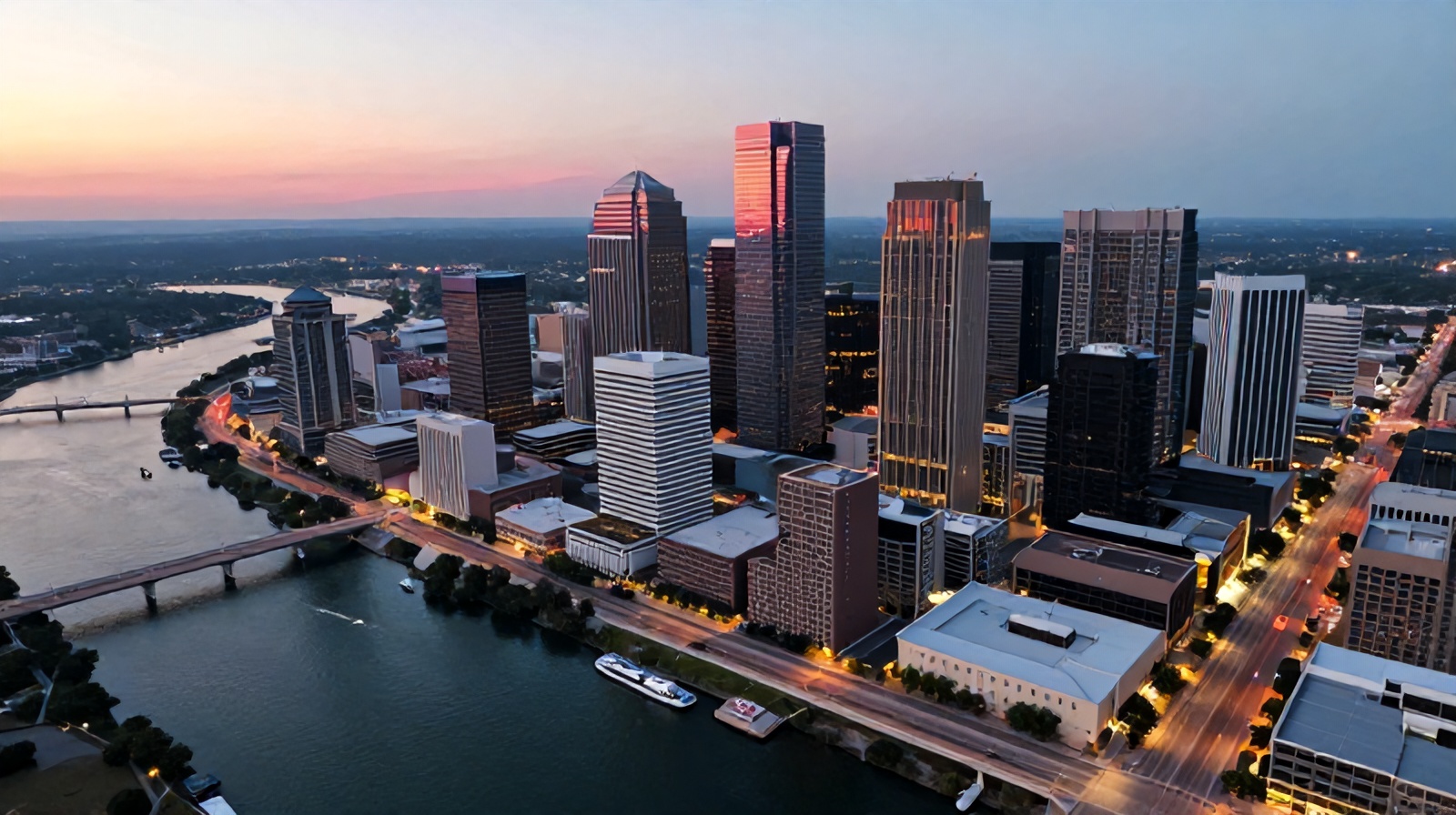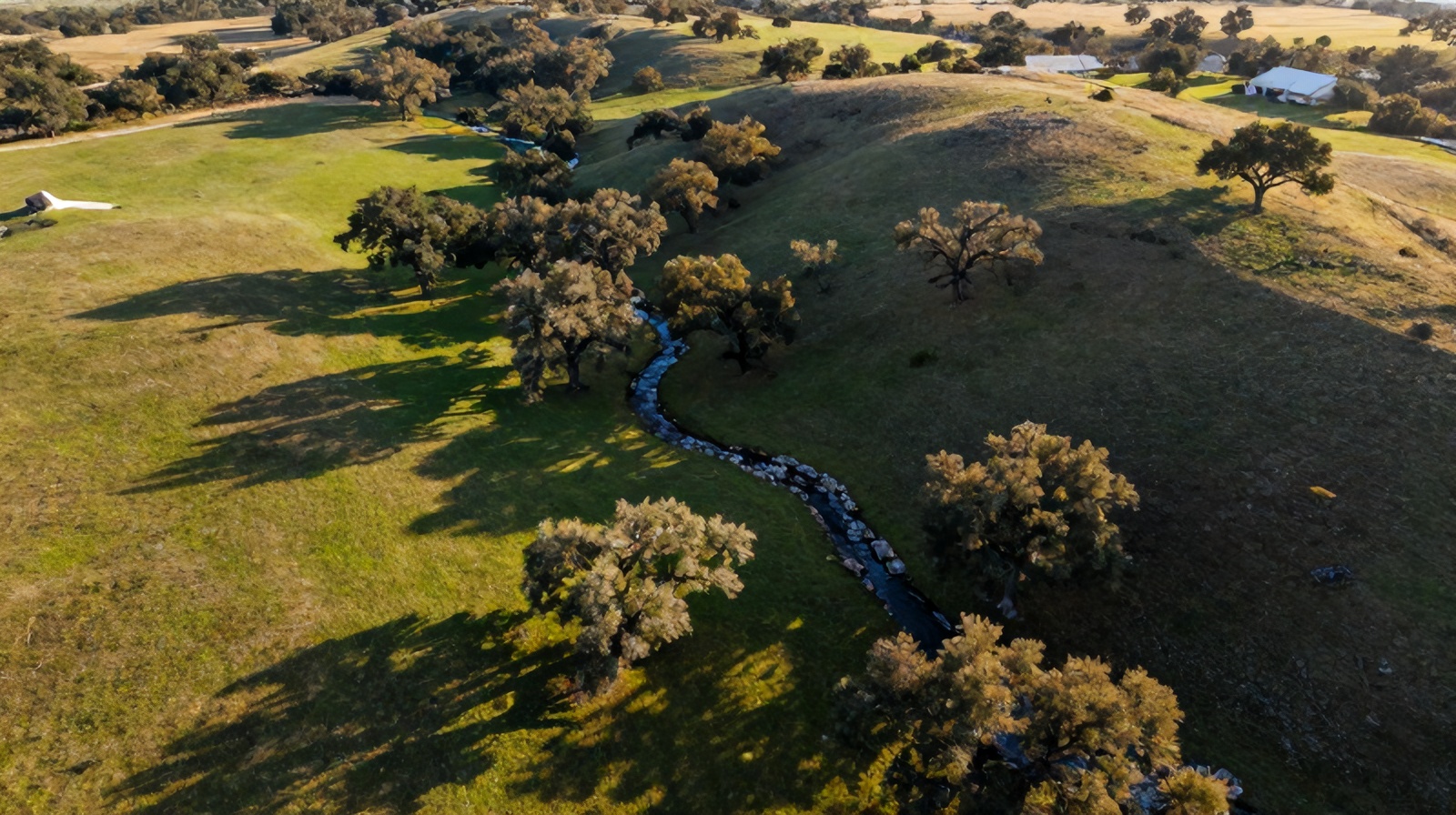
Discover the best drones for professional photography with built-in cameras, including expert buying tips, camera specs that matter, and post-processing workflow advice. Find the right aerial camera setup for stunning, gallery-ready images.
Aerial photography has moved from novelty to necessity. Whether you're a real estate photographer, a wedding cinematographer, a landscape artist, or a working freelancer, the right drone can completely transform the type of work you deliver — and the rates you can charge for it.
But here's the truth most "best drone" articles won't tell you: the most expensive drone isn't always the best drone for your photography. The right choice depends on sensor size, portability, regulations in your country, and how you actually edit your photos afterward.
In this guide, I'll walk you through what makes a drone genuinely "professional," recommend a top pick that punches well above its weight, and share the workflow tools that turn raw aerial files into gallery-ready images.
⚠ Affiliate Disclosure: This post contains affiliate links. If you purchase through them, we may earn a small commission at no extra cost to you. We only recommend products we've researched thoroughly.
Before throwing money at the most expensive option on the shelf, it's worth understanding what really matters for professional photography work.
In photography, sensor size matters far more than megapixel count. A 1-inch or 4/3 sensor will outperform a tiny smartphone-sized sensor in dynamic range, low-light performance, and color depth — which is exactly what you need for sunrise/sunset shoots and high-contrast landscapes.
Look for:
Aerial scenes often include bright skies and dark foregrounds in the same frame. A drone that captures 12+ stops of dynamic range in RAW gives you headroom to recover highlights and lift shadows without introducing noise.
A 3-axis mechanical gimbal is the minimum requirement. Without it, you'll fight motion blur and tilted horizons constantly.
Practical professional flight time is 25–35 minutes per battery. Always carry at least three batteries on a paid shoot — clients don't care about your flat charge.
This is the silent dealbreaker most beginners miss. Drones under 249 grams often qualify for relaxed registration and flight rules in many countries (including the EU's C0 class and the FAA's recreational rules in some scenarios). Heavier drones unlock bigger sensors but require more paperwork, remote ID, and sometimes commercial certification.
If you want the sweet spot between professional image quality and real-world usability, the DJI Mini 4 Pro is the drone I recommend to most photographers starting (or upgrading) their aerial workflow.
Check the DJI Mini 4 Pro on Amazon
It weighs under 249g. That single fact unlocks doors. You can fly in more locations, fewer registrations, and travel internationally without a logistical nightmare. For a working photographer, this is huge.
The camera is genuinely capable:
Omnidirectional obstacle sensing means you can focus on composition instead of avoiding tree branches. For a sub-249g drone, this used to be unheard of.
Let's be fair — this isn't a Mavic 3 Pro or an Inspire 3. The smaller sensor means low-light scenes (deep dusk, night) get noisy, and you don't have a Hasselblad-tuned 4/3 sensor. If you're shooting high-end commercial campaigns where every pixel ends up on a billboard, look at the Mavic 3 Pro or Inspire line.
But for 90% of professional work — real estate, weddings, landscape stock, social content, tourism, and editorial — the Mini 4 Pro delivers files that hold up beautifully.
The memory card is the low-cost accessory that ruins more shoots than anything else. Drone RAW files are big, 4K video is bigger, and bargain-bin microSD cards corrupt or drop frames mid-record.
Get a fast, reliable card the first time. I use the SanDisk 256GB Extreme microSD because it has the V30 sustained write speed needed for 4K, plus a generous capacity for full-day shoots without swapping cards on a windy hilltop.
Get the SanDisk 256GB Extreme microSD
A practical tip: format your card in the drone before each shoot, not on your computer. This prevents file system mismatches that cause aerial-specific errors.
Capturing the shot is half the job. The other half is processing it. Aerial RAW files often need:
For this, Adobe Lightroom (Photography Plan) remains the industry standard. It includes Lightroom Classic, Lightroom CC (cloud-synced), and Photoshop — all for one monthly fee.
Start with Adobe Lightroom Photography Plan
If you're switching from a free editor like Snapseed or Lightroom Mobile (free), the jump in capability is significant. Local adjustments, AI masking, and proper RAW handling alone justify the subscription.
Here's the actual workflow I follow on a paid aerial shoot:
Here's an honest question worth asking: do you actually need to own a drone?
If you only need aerial photos for an occasional project — a single property listing, a wedding, a one-off marketing campaign — buying gear, training yourself, and getting licensed may not be cost-effective. Hiring a certified pilot for a half-day shoot often costs less than buying a mid-range drone, and you skip the regulatory paperwork entirely.
If that sounds like your situation, you can book a professional drone service here and have aerial deliverables in your inbox without buying a single piece of equipment.
For everyone else — photographers who'll fly weekly or want a competitive edge in their portfolio — owning makes sense.
| Use Case | Recommendation |
|---|---|
| Travel & landscape photography | DJI Mini 4 Pro |
| Real estate & event work | DJI Mini 4 Pro or Mavic 3 |
| High-end commercial campaigns | Mavic 3 Pro / Inspire 3 |
| One-off project, no learning curve | Hire a drone service |
| Social media content creator | DJI Mini 4 Pro (vertical mode wins) |
A few things I wish someone had told me when I started:
The best drone for professional photography with a camera isn't necessarily the biggest or most expensive — it's the one you'll actually carry, fly confidently, and pair with a strong editing workflow.
For most working photographers, that drone is the DJI Mini 4 Pro — light enough to travel, capable enough to deliver client-ready RAW files, and forgiving enough to learn fast on. Pair it with a reliable SanDisk Extreme microSD, run your files through Adobe Lightroom, and you'll have a complete professional aerial workflow for less than the price of a mid-range mirrorless camera.
And if owning gear isn't right for your situation? Book a professional drone service and let someone else handle the flying while you focus on your craft.
Pick the workflow that matches you:
Whichever path you choose, aerial photography will change how you see the world — and how clients see your work. Now get out there and shoot something extraordinary.
FAA Part 107 certified. Real estate photography, roof inspections, construction monitoring, and aerial mapping in Round Rock and the Austin metro.
Book a Drone Service